Spear Phishing
Targeted emails crafted to match a specific employee's context, role, or relationships. LLM analysis scores impersonation patterns and urgency signals that signatures miss.
How we detect itEmail security for mid-market teams
Phishaver analyzes every inbound email with LLM-based inspection — catching spear phishing, BEC, and social engineering that rule-based filters miss. Works with Microsoft 365 and Google Workspace, deployed in minutes.
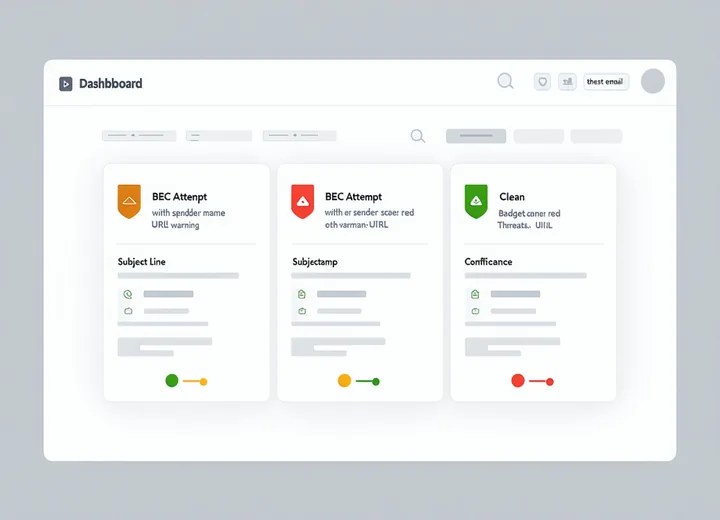
Your existing email security is solid for volume threats. Here is where it stops.
Connects to your email platform via OAuth. No mail flow changes. No new MX records.
Authorize Phishaver via OAuth to read inbound mail in Microsoft 365 (Mail.Read scope) or Google Workspace (gmail.readonly scope). No MX record changes. Setup completes in under 5 minutes.
Each inbound email runs a multi-stage pipeline: header authentication, domain lookalike scoring, URL sandbox detonation, attachment analysis, and LLM semantic analysis for social engineering patterns.
Blocked emails move to quarantine or your analyst triage queue with threat type, confidence score, and detection evidence. Alerts route to Slack, Teams, or email. Events forward to your SIEM for correlation.
Phishaver's detection pipeline is built around the four attack types that most frequently evade built-in email security.
Targeted emails crafted to match a specific employee's context, role, or relationships. LLM analysis scores impersonation patterns and urgency signals that signatures miss.
How we detect itExecutive impersonation and wire-transfer fraud using lookalike domains and matched writing styles. Phishaver scores sender domain age, lookalike proximity, and financial request patterns.
How we detect itOffice macros, PDF exploits, and disguised executables that bypass file-type blocklists. Phishaver sandboxes attachments to observe behavior before delivery, not just match file signatures.
How we detect itEvasive redirect chains that lead from a clean-looking URL to a malicious landing page. Phishaver detonates every URL in an isolated environment and evaluates the full redirect chain — not just the first hop.
How we detect itProduct
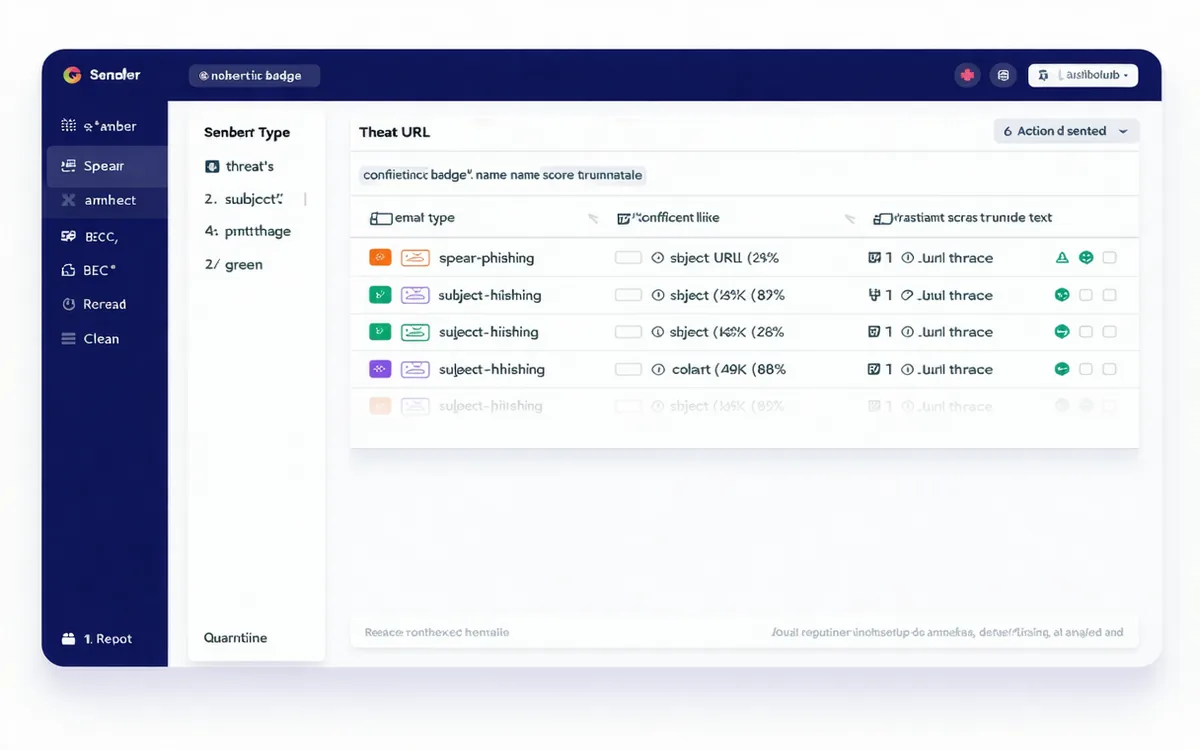
API-native integrations with your email platform, alerting stack, and SIEM.
From teams that caught targeted phishing their existing filters missed.
We had a BEC attempt that looked exactly like our CFO's writing style — fresh domain, correct signature block, specific project reference. M365 Defender passed it. Phishaver flagged it with a 91% confidence score within two minutes of receipt. That one catch justified the subscription for the year.
Before Phishaver, every user-reported phish went into a shared mailbox that our security team checked manually. We were doing 30–40 per week and spending most of a day on triage. Now the queue is prioritized and most dispositions take under a minute. We actually cleared the backlog.
The setup was genuinely five minutes — OAuth to M365, select the mailbox scope, done. I expected a long professional services engagement. The first phishing email was flagged that same afternoon. That frictionless onboarding is something our team talks about.
Phishaver's header analysis checks SPF, DKIM, and DMARC alignment on every inbound email, surfacing gaps in your email authentication configuration alongside threat detection.
Compliance documentation is available to enterprise prospects on request. Our controls notes cover access management, data retention, and audit logging — not a certification claim.
Alignment notes for NIST SP 800-53 IA-4 and CIS Controls 9 are available on request. These document how Phishaver's controls map — not a compliance certification claim.
Get protected today
No MX changes. No forwarding rules. Connects to M365 or Google Workspace via OAuth in under 5 minutes.